




How the Durham Fleet Handled a Computer Attack
The City of Durham, N.C., was hit by a virus last year that forced fleet operations to go back to pen and paper. Here’s how staff members overcame it.


The City of Durham, N.C., was hit by a virus last year and forced to go back to pen and paper. Here’s how they overcame it.
Photo: Getty Images
The Monday after Thanksgiving weekend in 2018, staff members from the City of Durham, N.C., Fleet Management Department began their day as usual.
“Everything was hunky dory,” said Tina Carden, fleet analyst. “Then IT walked in around 11:30 that morning and told us they had to take us off the network because we were infected with a virus.”
The city had been infected with the Emotet malware, and fleet management was “ground zero,” IT staff had said. Emotet is a banking Trojan that is among the most costly and destructive malware affecting state and local governments, according to the U.S. Department of Homeland Security’s National Cybersecurity and Communications Integration Center. It is disseminated via e-mail, often through invoices, receipts, and shipping notifications, and it infects computers when users open or click on a malicious download link, PDF, or document.
To contain the virus in Durham, IT disconnected the fleet department’s systems from the network, including computers and laptops with the fleet management information system and diagnostic software, the fuel management system, and the VoIP phone system.
“We went backwards 20 years in one day,” said John Ferguson, assistant director of fleet management.
Going Backwards
The regular anti-virus software wasn’t working, as the virus kept coming back, Carden, who became the fleet’s malware expert, said. IT had to “wipe everything in the building, all our PCs, laptops, and our servers,” she said.
Durham’s fleet management organization is technology-heavy, Ferguson explained. That meant they ordered parts online, diagnostic software is all PC-based and use the city network for updates, and the phones are VoIP.
IT set up some laptops with mobile Wi-Fi hotspots, allowing the department some ability to work and make phone calls. In addition, those with city-issued cell phones were able to use them, and others relied on their personal phones.
The department had just ordered a new server, so it took only five days to get the server back up. While IT worked on getting the fleet and fuel system back online, staff members went back to paper work orders. They captured labor hours and parts issued. Parts staff made sure items weren’t lost or given away without being recorded, and technicians — who are on a productivity standard — worked hard to make sure they didn’t lose any labor hours, Ferguson said.
Before IT wiped all the machines, fleet staff made sure the specific settings on their equipment were saved — that included software that had “countless hours of adjustments” to fit the operation’s needs, such as lubrication dispensing equipment, Ferguson said.
While the fuel system was disconnected from the network, it was still functioning and collecting data. Staff members had to go to the fuel islands every few days to measure fuel in the tanks and download the information from the fuel management system.
“If you don’t go in there and [download] them all, it will finally start booting off transactions. We would have lost a few, or not been able to bill fuel back,” Carden said.
Even the building’s gates were affected, as they were on the computer network. The gates wouldn’t open and close, and the automatic front door didn’t work. Staff had to use manual overrides.
Fleet management left diagnostics for last, so staff members worked for a month without diagnostic software. That meant the department relied heavily on its vendors, outsourcing things such as check engine lights. Technicians brought in personal scan tools to try to complete repairs.
“We couldn’t do any reflashing that we would normally do here, or software updates,” Ferguson said. “It led to a lot of unnecessary downtime, a lot of unnecessary cost as far as vehicle repair.”
The Aftermath
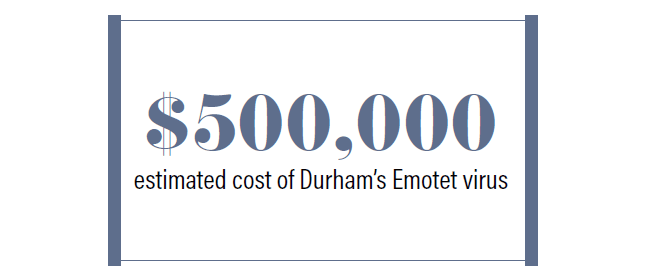
Ferguson said loss of staff productivity was likely the highest cost.
As other parts of the fleet operation were getting back online, staff members worked to input that paper data into the system. It took a couple of months to get everything back to normal and user departments billed correctly.
The incident helped fleet staff see how reliant on computer systems they are.
“So many things that you take for granted every day were tied to the city’s data network,” Ferguson said as he described looking for the one analog phone line in the building to plug in an old phone. That was his biggest inconvenience and taught a big lesson:
“You’ve got to have some redundancy in your operations, even in technology,” he said.
Since then, IT has implemented additional security measures. Its staff also sends out suspicious-looking emails to make people aware that a simple-looking email “may be carrying something that may ruin an organization,” Ferguson said. He added that he’s become more aware and will likely call people before opening a suspicious email.
Joseph Clark, director of fleet management, commended the team on how they handled the virus.
“We’ve all come from an environment where you did things with paper. So it was an inconvenience, but we didn’t panic. We looked for ways we could continue to get the job done and reassured those who were new in the organization that had never used paper,” he said. “Yes, we’ll get through this. It’ll be a pain in the backside, but we’ll be better when we get done.”
How to Avoid Malware
IT departments often take steps to prevent malware from reaching users at their jobs, such as installing anti-virus software and marking e-mails that come from an external source. However, users should also be proactive and aware of how to avoid unknowingly downloading malware. Here are some steps to take, from the Federal Trade Commission:
Set your security software, internet browser, and operating system to update automatically
Don’t change your browser’s security settings, and pay attention to its security warnings
Instead of clicking on a link in an e-mail, type the URL of a trusted site directly into your browser
Don’t open e-mail attachments unless you know who sent them and what they are
Don’t click on popups or banner ads about your computer’s performance
Scan USBs and other external devices before using them
Back up your data regularly.
More Safety

New Partnership Aims to Expand Public Digital Hazard Alert System Statewide
The Hawai’i Department of Transportation (HDOT) is expanding advance digital hazard alerts for the public statewide.
Read More →
New York City Expands Safety Technologies Across Municipal Fleet
Executive Order 19 moves intelligent speed assistance and pedestrian alerts from pilot programs toward standard fleet equipment, offering other public fleets a look at how safety technology can be tested, measured, and scaled.
Read More →
Hidden in Plain Sight: Fleet Compliance Risks
Fleet compliance isn't just about having policies — it's about consistently enforcing them. This practical guide reveals six hidden compliance risks common in public sector and shared fleet operations and outlines proven strategies to improve visibility, accountability, and audit readiness.
Read More →
5 Days Left to Submit Your 2026 Fleet Safety Award Nomination
Know a government fleet, safety, or risk manager who deserves recognition for making fleet operations safer? Nominations are open through Aug. 15.
Read More →
How the First 24 Hours Can Shape a Fleet Crash Response
How a strong accident response process helps government fleets move from the initial report to recovery while building a clearer record for what needs to change next.
Read More →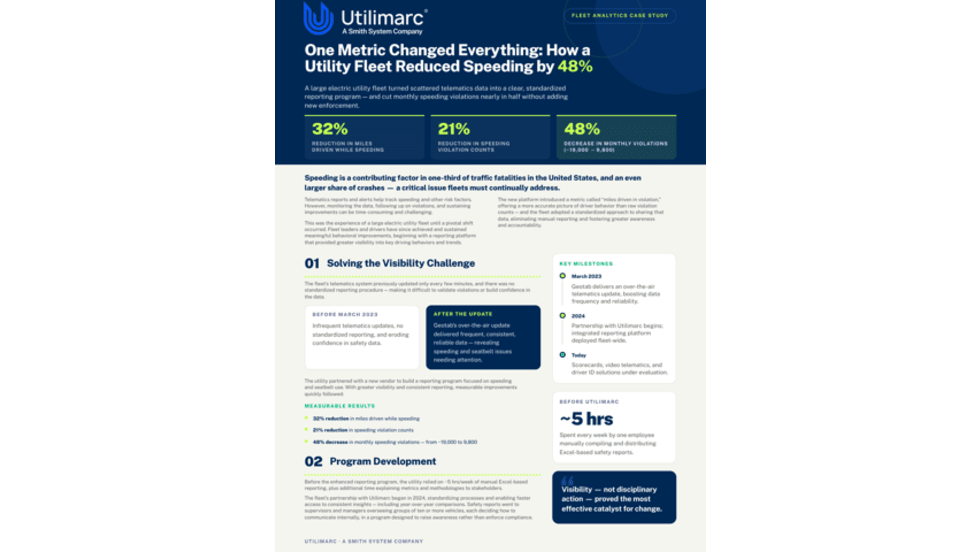
How Better Visibility Cut Speeding Violations by 48%
Fleet leaders don't need more data, they need clearer visibility into what the data is saying. This case study explores how one utility replaced speeding-event counts with a single metric — miles driven in violation — to strengthen safety and significantly reduce speeding violations.
Read More →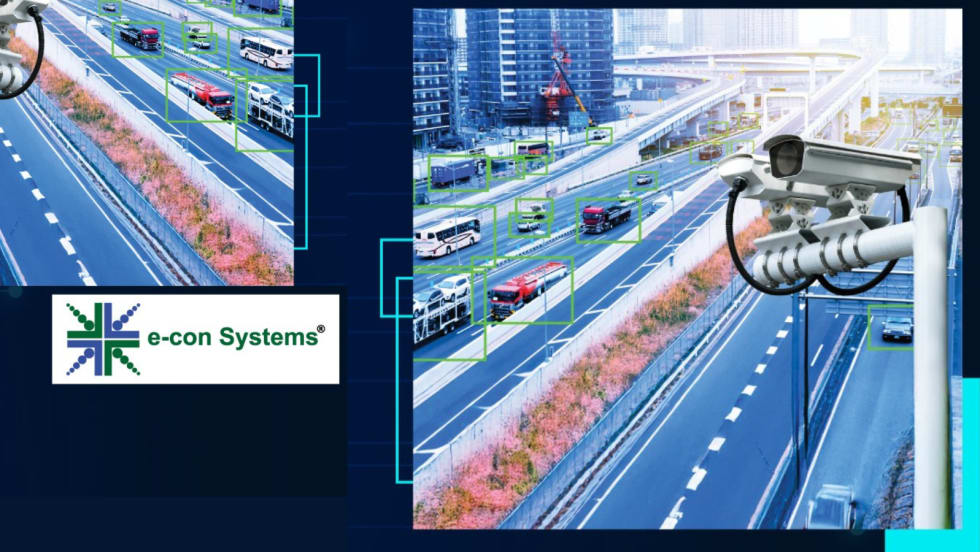
e-con Systems Expands AI Camera Tools for Traffic Monitoring
The systems support license plate recognition, traffic analytics, and video management for transportation agencies.
Read More →
King Township Pilot Links Driver Feedback to Reduced Speeding
How King Township, a best-in-class municipal fleet, reduced speeding by 10.9% and demonstrated a projected 349% ROI by putting safety ownership directly in drivers' hands.
Read More →
Beyond the Fireline: The Critical Role of Public Fleets in Wildfire Response
Behind every wildfire response is a complex network of vehicles, data, and decisions that must work in sync under extreme pressure. Global heating trends require strong fleet coordination and reliable communications to keep crews safe and operations running smoothly.
Read More →
How AI Is Transforming Public Fleet Safety - Part 1
AI-powered safety systems are helping public fleets tackle distracted driving by delivering real-time coaching and measurable behavior change behind the wheel. In part one of our Q&A, Nauto CEO Stefan Heck explains how agencies can improve safety, reduce costs, and navigate implementation challenges with AI-driven technology.
Read More →