



Skytel Microsite

Products & Services

features and benefits ROI calculator
technical specs faq
pricing account login
Features and Benefits

With FleetHawk you can!

  • Make better, faster dispatching and routing decisions. How?
  • Improve employee productivity. How?
  • Lower fleet operational costs. How?
  • Increase revenue. How?
  • Monitor and Control mobile assets. How?

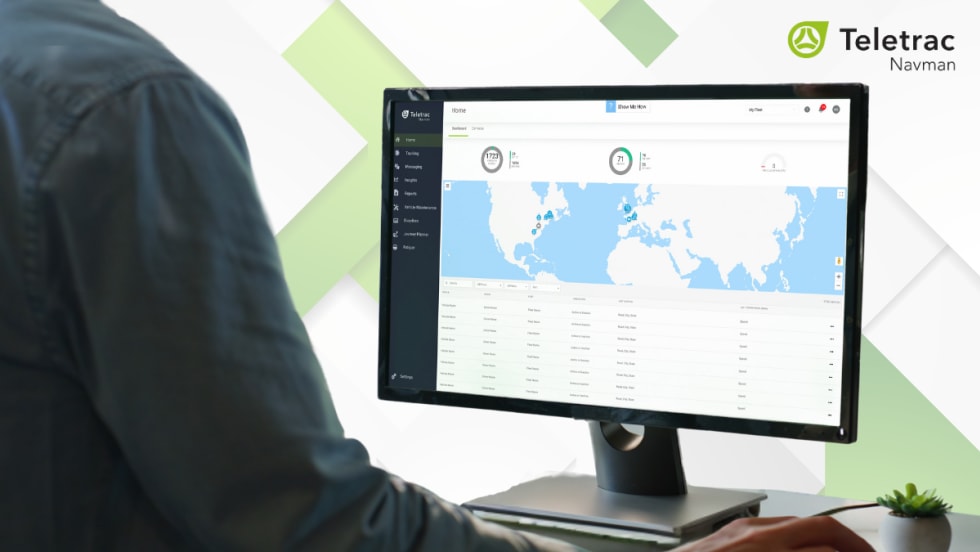
FleetHawk includes a wealth of tracking and monitoring features and robust reporting; all accessible to you and your staff on an easy-to-use, secure Internet website. There's no software to install or maintain.

Dispatching & Routing

Do you know how your drivers get from point A to point B? Is it the best way? With FleetHawk you can:

  • See the last location of any vehicle or your entire fleet;
  • Find out where a vehicle is located;
  • Locate the closest vehicle to a specific address;
  • Display the route history of any vehicle or fleet;
  • Define and monitor geographic boundaries; get email or pager alerts when vehicles enter or exit;
  • Aid drivers by accessing and printing detailed, up-to-date maps on your desktop.
  • Plan routes by accurately measuring distances on the FleetHawk map.

Back to top

Employee Productivity

FleetHawk gives you the tools you need to "sit in the passenger seat" with your drivers and dispatchers. Analyze a driver's performance and:

  • Ensure route adherence;
  • Reduce or prevent personal use of company vehicles;
  • Provide printed backup for time sheets and payroll disputes.

The system works without driver interaction or training.

Give FleetHawk website access to as many or as few staffers as necessary, plus, you can define the amount of control for each user.

Back to top

Fleet Operations & Maintenance

U.S. Department of Energy research shows that you can significantly reduce fuel and maintenance costs simply by reducing idle times and vehicle speeds. Plus, reduced speeds mean fewer, less costly accidents resulting in lower insurance costs. FleetHawk can:

  • Monitor vehicle electrical systems such as ignition status and door locks;
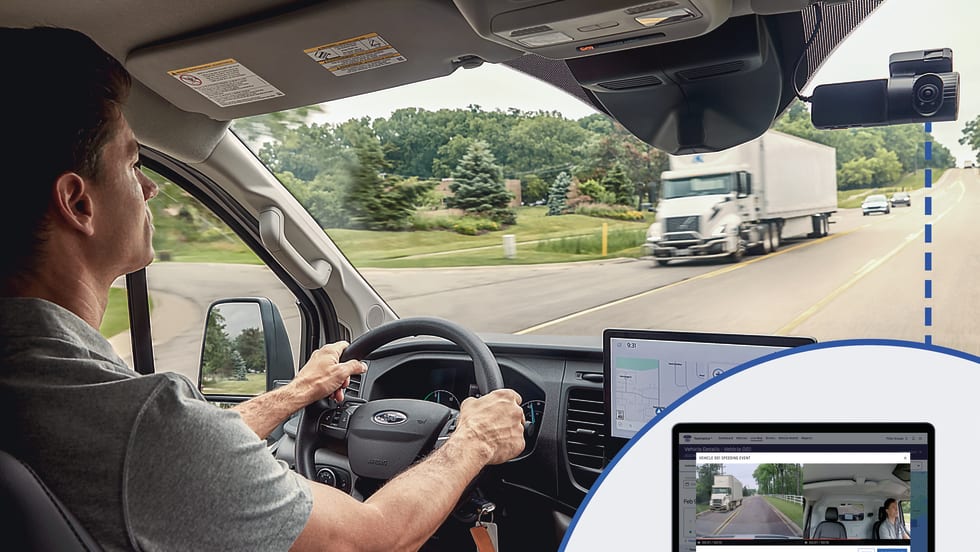
  • Monitor and track driver speed;
  • Alert you when a system's status changes or when desired speeds are exceeded;
  • Send alerts to email, SkyTel pagers, cell phones with SMS text messaging*, or any device with an email address.

Back to top

Improve your bottom line

FleetHawk gives you the information necessary to improve your fleet operations. As a result, you'll be able to lower your costs while giving your customers better, more reliable service and increasing your revenue.

  • Increase the number of deliveries or service calls you can make with your current fleet;
  • Increase the reliability and accuracy of scheduled stops;
  • Provide proof of service to your customers;
  • Reduce fuel and maintenance costs;
  • FleetHawk can give your company a distinct advantage over your competitors;
  • To calculate FleetHawk's potential return on investment, go to the ROI Calculator.

Back to top

Know your vehicles are where they should be

Peace of mind. For a fleet manager, it's knowing that vehicles aren't going to wander off when they should be parked, be driven to high-crime areas, or used inappropriately by drivers.

  • Monitor geographic boundaries with GeoFences. You define the areas and the vehicles to monitor;
  • Set up alerts so that you'll be notified when vehicles enter or exit GeoFence boundaries;
  • Send alerts to email, SkyTel pagers, cell phones with SMS text messaging*, or any device with an email address;
  • Use FleetHawk's tracking and control features to aid recovery of stolen property.

    • Disable a vehicle's starter to prevent it from being restarted after the engine is turned off;
    • Lock doors to prevent theft;

  • Respond faster to breakdowns and emergencies when you know exactly where the vehicle is located.
    • Unlock doors to aid drivers who have been locked out of their vehicles;

Back to top

FleetHawk screen
The FleetHawk Website
Click to see a larger image.

Create a Report
Create a Report
Click to see a larger image.

Set User Permissions
Click to see a larger image.

FleetHawk Screen with Geofences
GeoFences
Click to see a larger image.

For more information, please contact the FleetHawk sales team at 1-866-644-HAWK.

*Additional fees may apply